Compose Items
Composing items with the “Compose item mode” allows you to create a library of pre-configured items or groups of items.
These items cannot have their properties changed after they’re created, including commonly updated properties like size, spacing, alignment, text, and even the target for a grid (typically filters or auditing query results). So be sure it has a multi-purpose configuration that can fit other purposes.
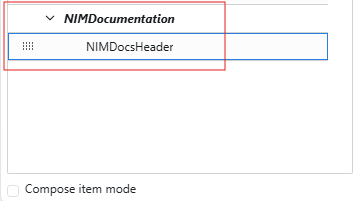
With a blank form, enable the Compose Item Mode option at the bottom left of the screen.

Inside the form workspace, create and configure the form items you want to save for later use. As an example, this very simple, multi-purpose header, that can be reused in other apps or forms.

Hold down the CTRL key and click each form item within the workspace. They will each display a light red background, indicating that they have been selected.
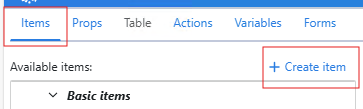
Click the Create Item button under the Items tab on the left side of the screen.
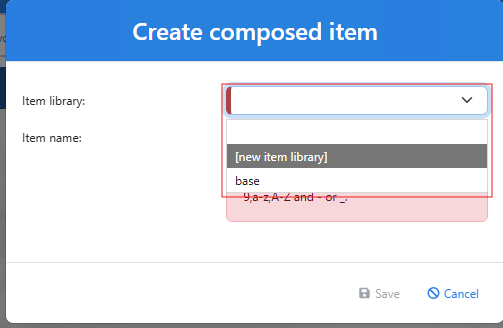
Add the item to a new library or to an existing one.

Enter the name of the new item and click Save.
Once the new form item has been created, you will have access to it from within the designated library in the bottom left corner of the form builder. You can drag and drop these items onto a form just like the built-in form items.