Emergency Termination
This app enables IT and HR teams to immediately terminate a user’s access across all critical systems. When a sensitive HR or security issue arises, organizations often need to act before formal processes or data updates occur. With this capability, administrators can instantly cut off access while the situation is being evaluated, ensuring the organization remains protected without waiting for upstream systems—such as HR platforms—to update.
Intended Audience: IT or Human Resources
Target Scope: Managed users
Required Systems: Any target system
Use Case Example
An employee becomes the subject of a sensitive HR investigation involving potential misconduct. HR needs time to gather facts and follow internal procedures, but the employee still has active access to email, collaboration tools, internal applications, and confidential data.
Problem
Waiting for the HR system to update the employee’s status—or relying on manual, system‑by‑system deactivation—creates several risks:
The employee may access or exfiltrate sensitive information
IT must scramble to disable accounts across multiple systems
There is no centralized audit trail of who terminated access and when
Delays increase organizational exposure during a critical moment
How the app solves it
The app provides a single action that immediately terminates the user’s access across all managed systems.
This includes:
Disabling the account
Revoking group memberships
Blocking sign‑ins
Cutting off access tokens and sessions
Logging the action for audit and compliance
HR and IT can act instantly, even before formal HR data changes occur.
Outcome
The organization is protected from unauthorized access during sensitive situations
IT avoids manual, error‑prone deactivation steps
HR can proceed with its investigation without operational risk
All actions are tracked, auditable, and consistent with security policy
Access is removed quickly, cleanly, and with minimal disruption to internal processes
Screenshots
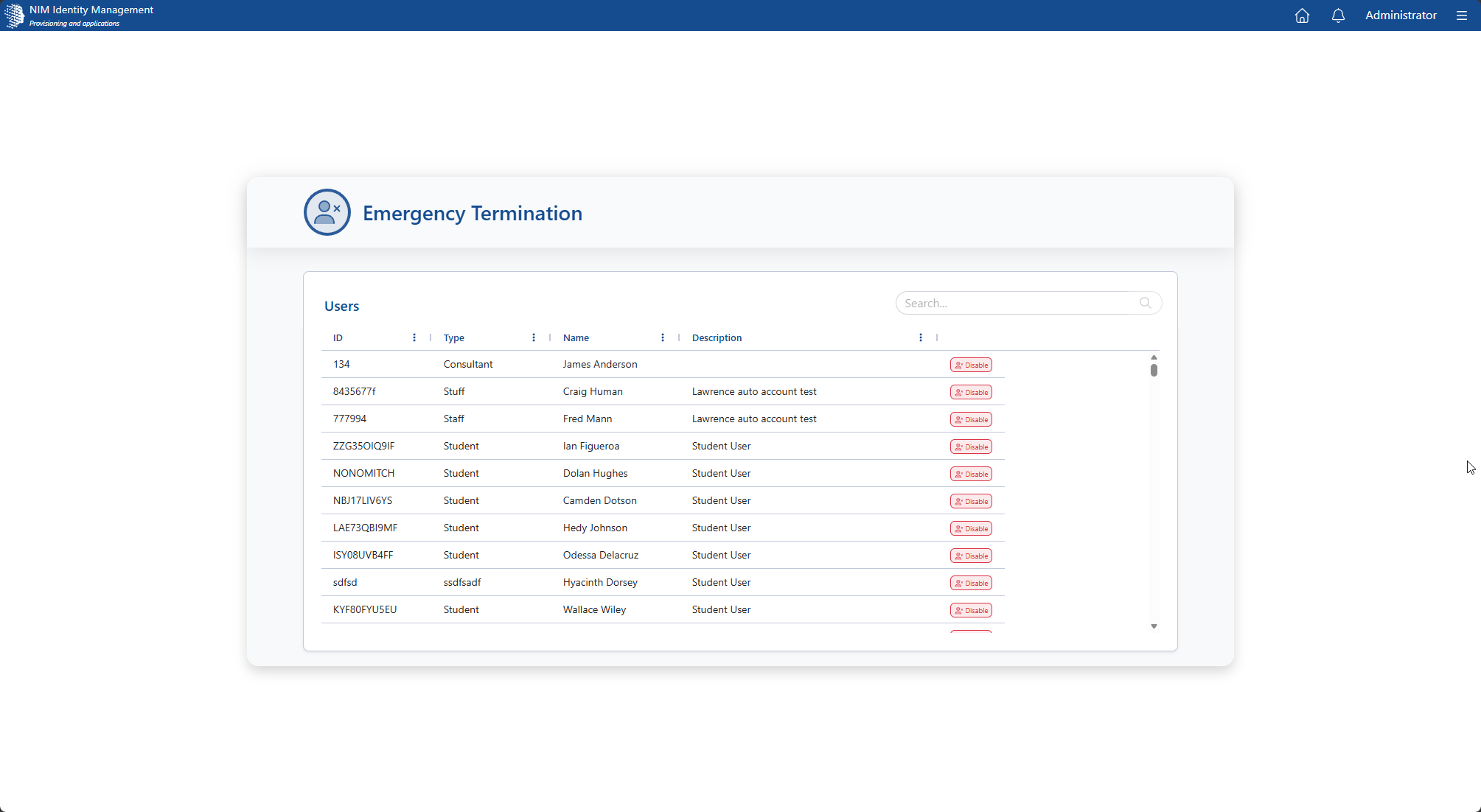
Main screen. Select a user from the organization that must be have their access and permissions removed immediately.